 Echora
iPhone · iPad · Mac
AI-generated music
Music for
your day.
Put something on while you work, head out for a walk, or wind down. Choose a genre or let the radio pick the next track.
Музыка, созданная нейросетью
Музыка
на каждый день.
Включите музыку за работой, на прогулке или перед сном. Выберите жанр или запустите радио: оно само подберёт следующий трек.
Música creada con IA
Música para
tu día.
Pon música mientras trabajas, sales a caminar o descansas. Elige un género o deja que la radio ponga la siguiente canción.

01 / SIGNAL
Press play.
Keep listening.
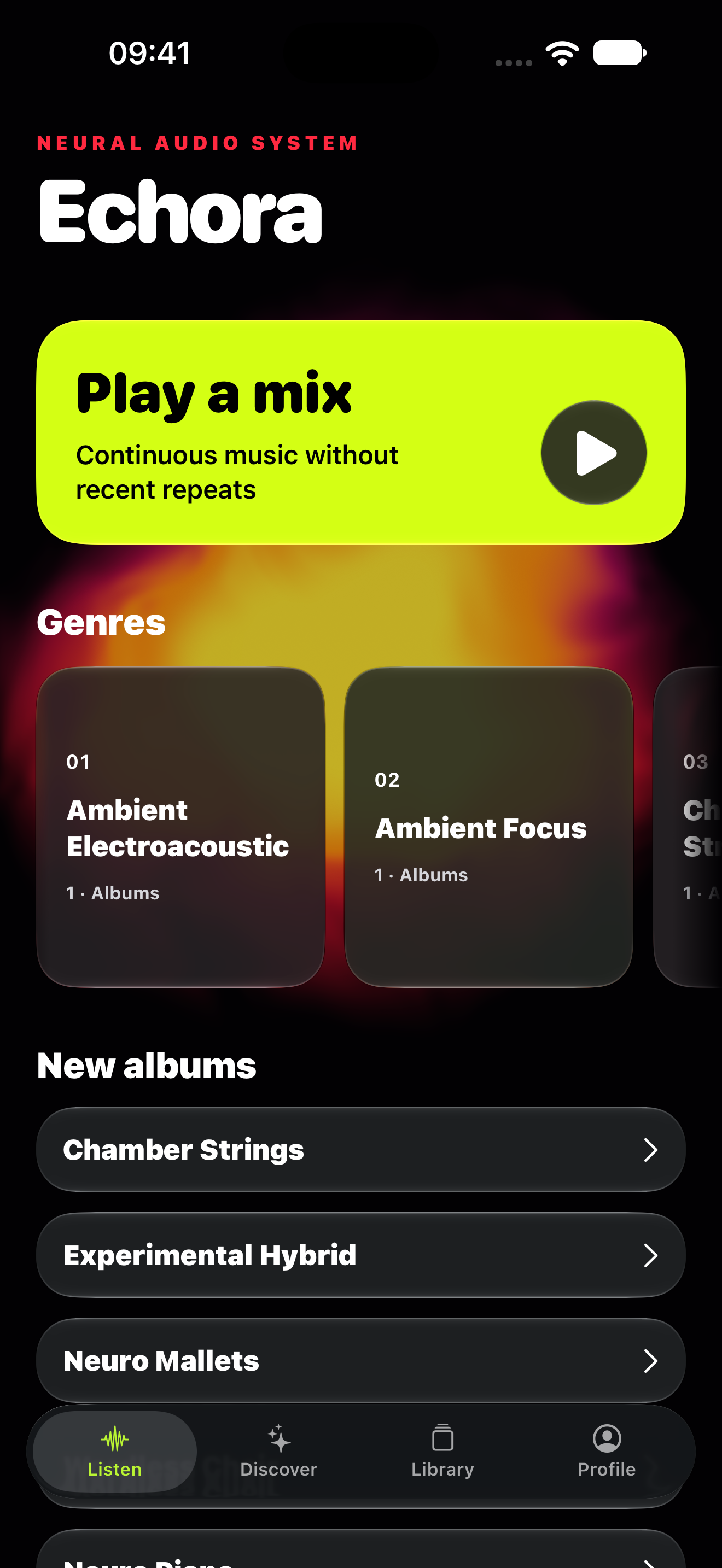
The radio keeps the music going and avoids tracks you have just heard. Want to choose for yourself? Browse genres, albums, and tracks.
Включите
радио.
Радио подбирает треки и не повторяет то, что вы только что слушали. Если хочется выбрать музыку самому, откройте каталог жанров и альбомов.
Dale al play.
Sigue escuchando.
La radio sigue poniendo música sin repetir lo que acabas de escuchar. También puedes buscar por género, álbum o canción.
02 / ALIVE
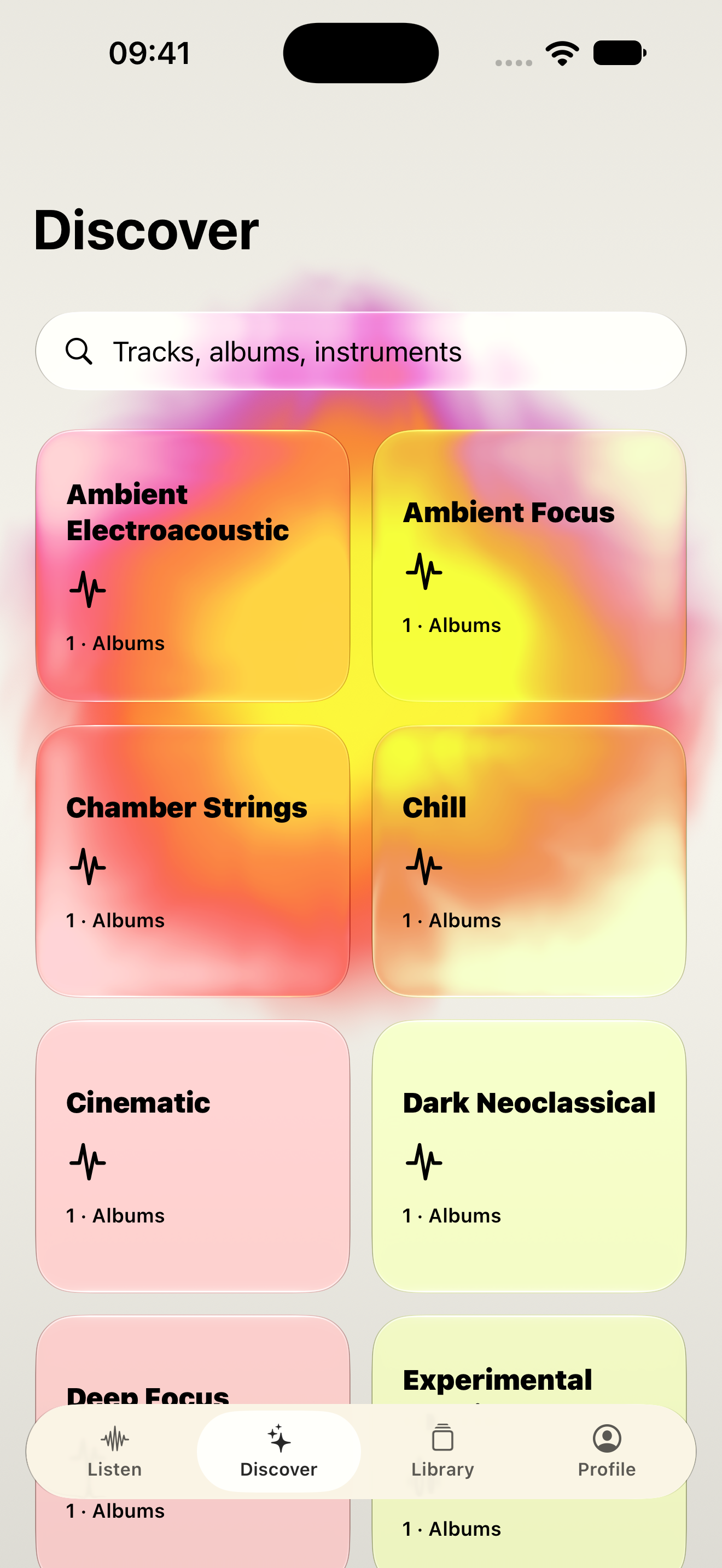
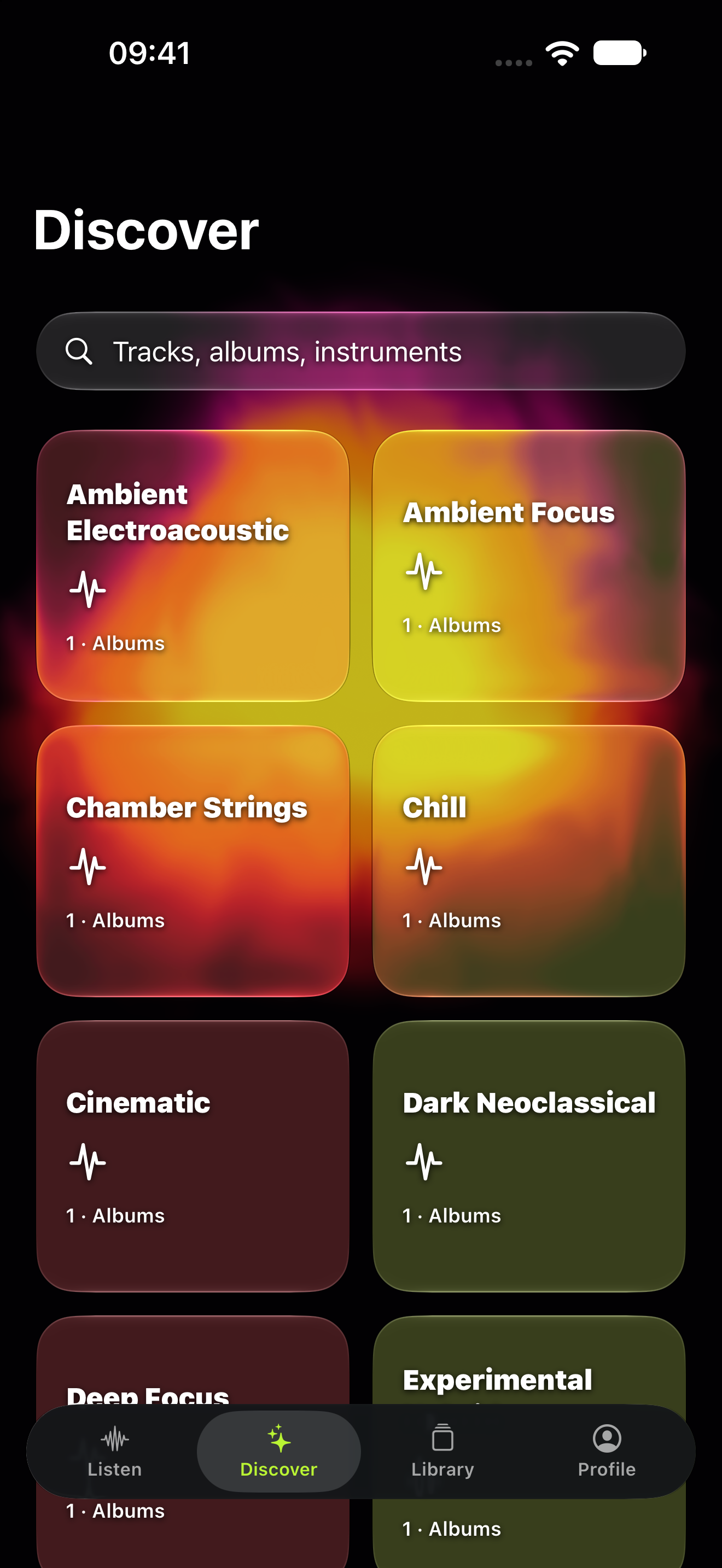
Watch the music move.
The player’s background changes with the sound. Bass makes it pulse; higher notes ripple through the edges. Prefer a still background? Turn on Reduce Motion in your device settings.
Музыку
видно.
Фон плеера движется под музыку: бас заставляет его пульсировать, высокие частоты меняют контур. Анимацию можно отключить через «Уменьшение движения» в настройках устройства.
La música
se ve.
El fondo del reproductor se mueve con la música. Los graves lo hacen latir y los agudos ondulan el contorno. Activa Reducir movimiento en tu dispositivo si prefieres un fondo estático.
03 / YOURS
Found a favorite?
Save it.
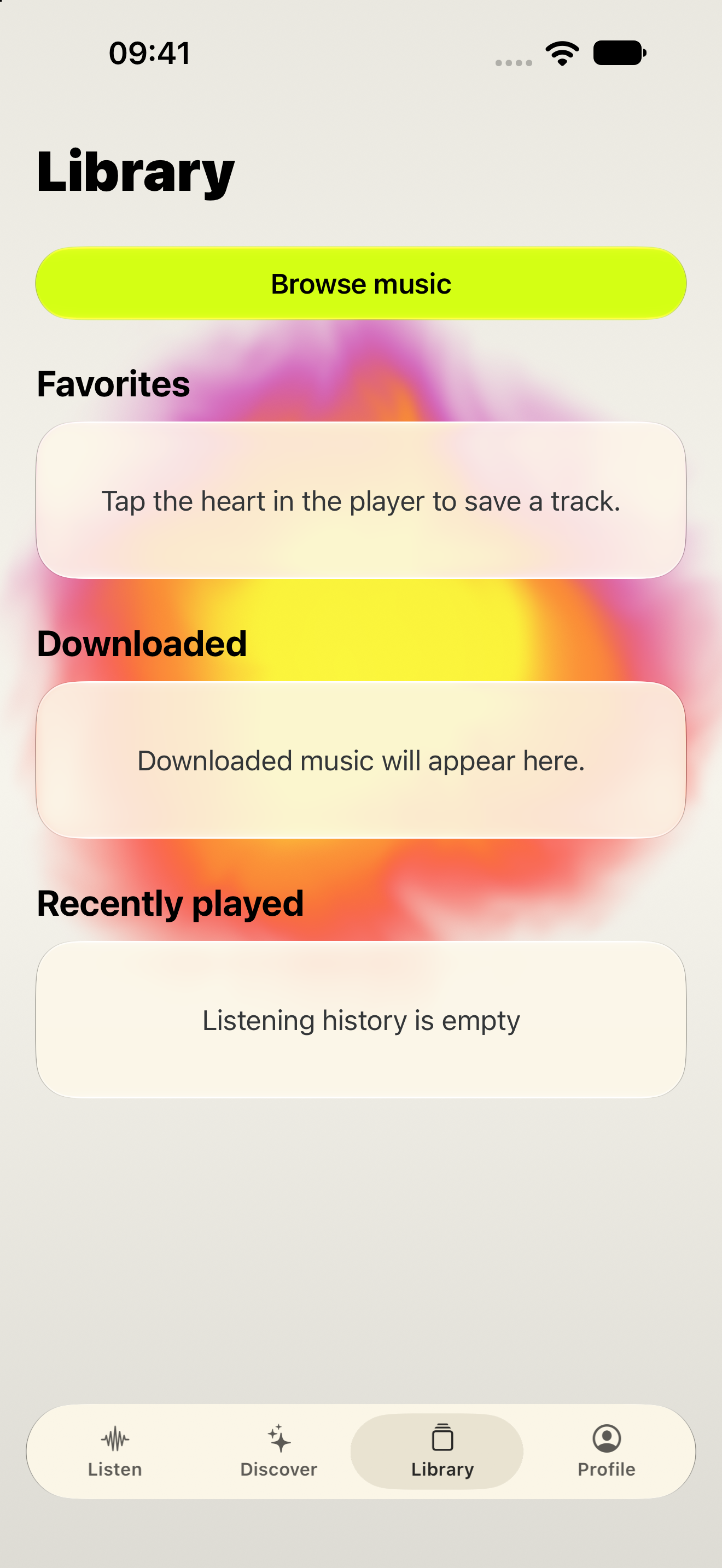
Save tracks you like or find them again in your listening history. Sign in to sync both across devices. Offline downloads are available with a supported plan.
Нравится?
Сохраните.
Добавляйте треки в избранное. Если забыли название, найдите его в истории прослушивания. После входа в аккаунт избранное и история появятся на других устройствах. На тарифах с офлайн-доступом музыку можно скачать.
¿Te gusta?
Guárdala.
Guarda tus canciones favoritas o búscalas en el historial. Inicia sesión para tener ambos en tus otros dispositivos. Los planes compatibles permiten descargar música para escucharla sin conexión.
04 / APPLE NATIVE
On your phone.
On your Mac.
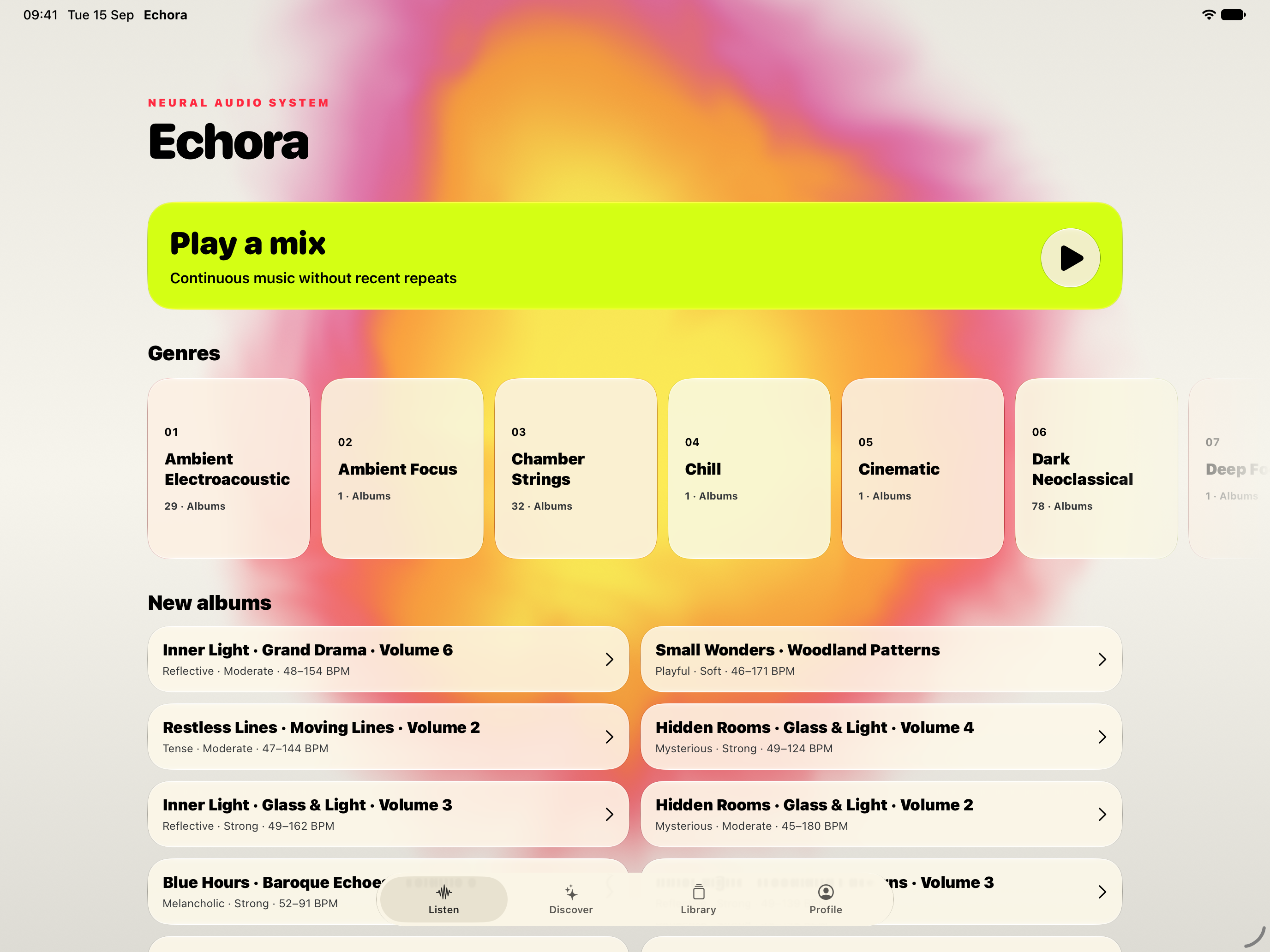
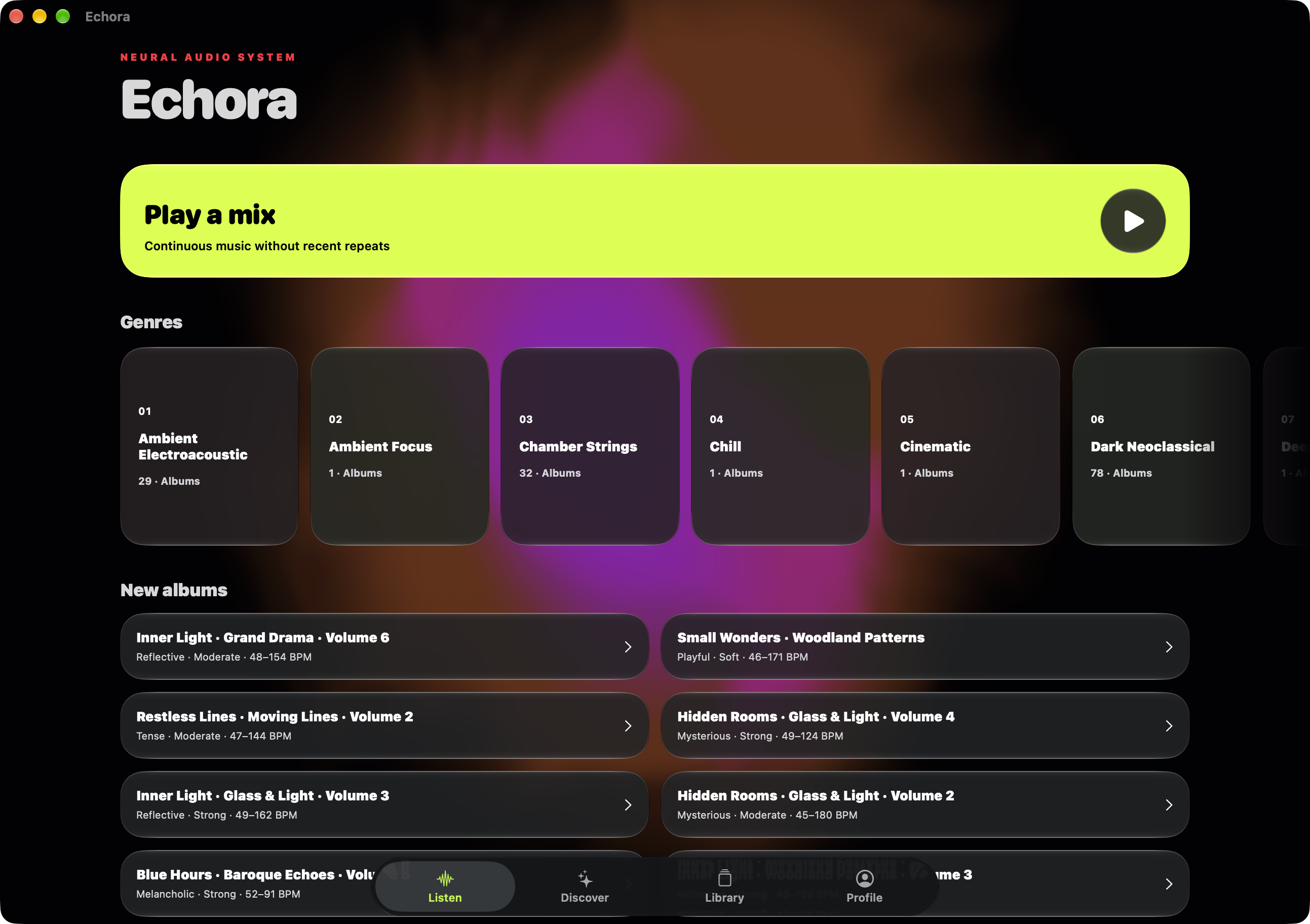
Listen on iPhone, iPad, or Mac. On a larger screen, there is more room to browse your music.
На iPhone.
На iPad и Mac.
Слушайте на телефоне, планшете или за компьютером. На большом экране удобнее просматривать каталог и свою библиотеку.
En tu iPhone.
En tu iPad y Mac.
Escucha en el teléfono, la tableta o el ordenador. En una pantalla grande tienes más espacio para explorar el catálogo y tu biblioteca.
- iPhone
- iPad
- Mac
One interface.
More room.
Keep browsing while the player stays beside your music. Familiar tabs stay within reach on iPad and Mac, with keyboard controls and a layout that follows your window size.
Один интерфейс.
Больше пространства.
Просматривайте каталог, пока плеер остаётся рядом. Привычные вкладки доступны на iPad и Mac, а компоновка подстраивается под размер окна и поддерживает управление с клавиатуры.
Una interfaz.
Más espacio.
Sigue explorando con el reproductor al lado. Las pestañas habituales siguen a mano en iPad y Mac, con controles de teclado y un diseño que se adapta al tamaño de la ventana.